How to Set Up a Gaming Room That Looks Pro and Feels Cozy

My first gaming corner looked like a cable graveyard. I had mismatched furniture and glare on the screen. I spent about $360 refitting it. Now it looks pro and feels cozy. The goal was clear: learn how to set up a gaming room that reduces clutter, boosts immersion, and invites friends to sit down.
Quick context: This guide is for a modern, cozy gamer look. Budget: $300–$600 depending on splurges. Best for a spare room, bedroom corner, or small home office. Trend to note: RGB and smart lighting zones for immersion.
What You'll Need for This Look
Foundation pieces:
- 5×8 low-pile area rug, charcoal (~$70-120)
- Blackout curtains, 84-inch, charcoal (~$25-50 per panel, need 2 panels)
Desk & seating:
- L-shaped gaming desk 60 inch black (~$120-220)
- Ergonomic mesh gaming chair, black (~$90-220)
Lighting (immersion):
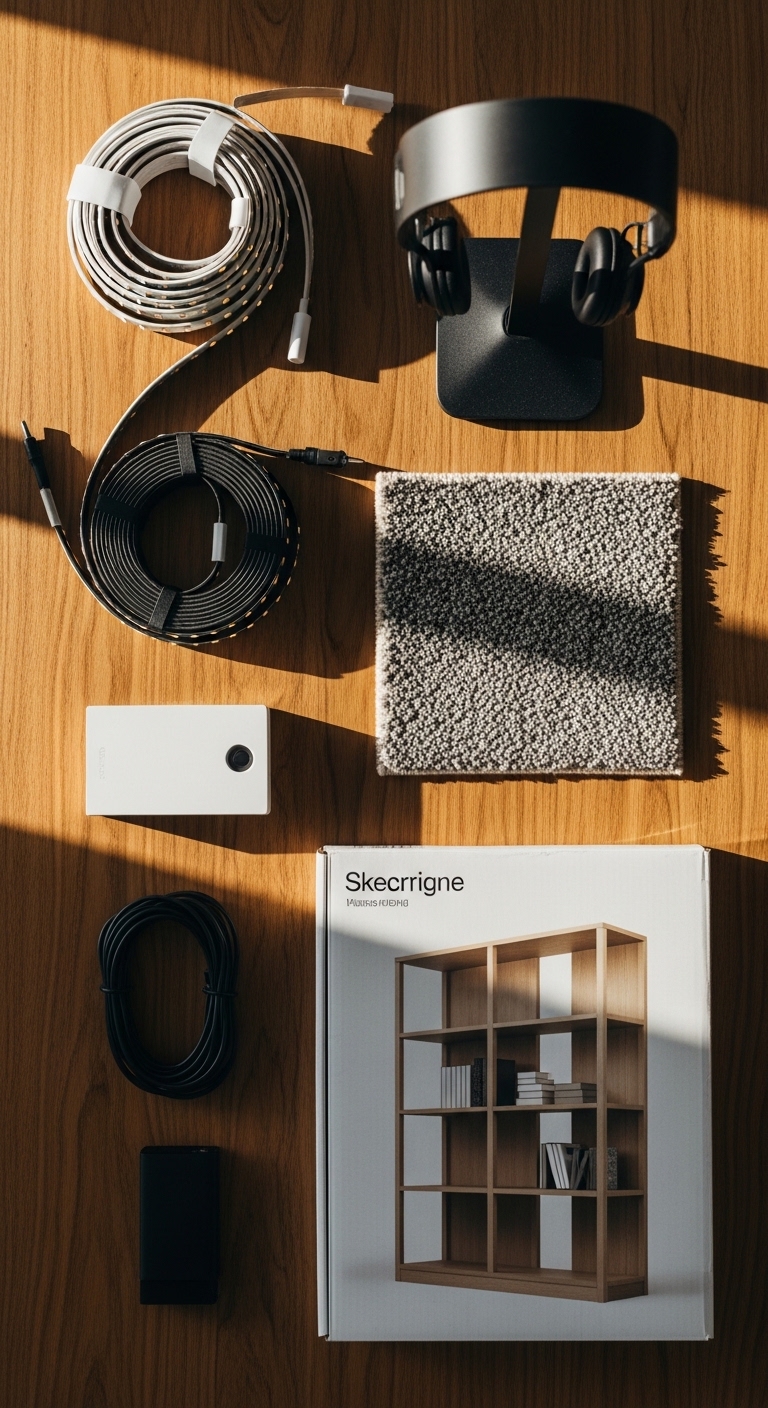
- Govee RGB LED light strip kit (16.4ft) (~$40-70)
- Govee RGB wall light panels, 6-pack (~$80-150)
- Bias lighting for monitor, warm white (~$15-30)
Storage & finishing touches:
- Floating shelves white oak, set of 3 (~$40-90)
- Headset stand with USB ports (~$20-40)
- Cable management raceway kit, 6ft (~$15-30)
Budget-friendly swap:
- If you need cheaper furniture, search IKEA style gaming desk black for compact options under $100.
Start with the foundation: desk, rug, and blackout curtains
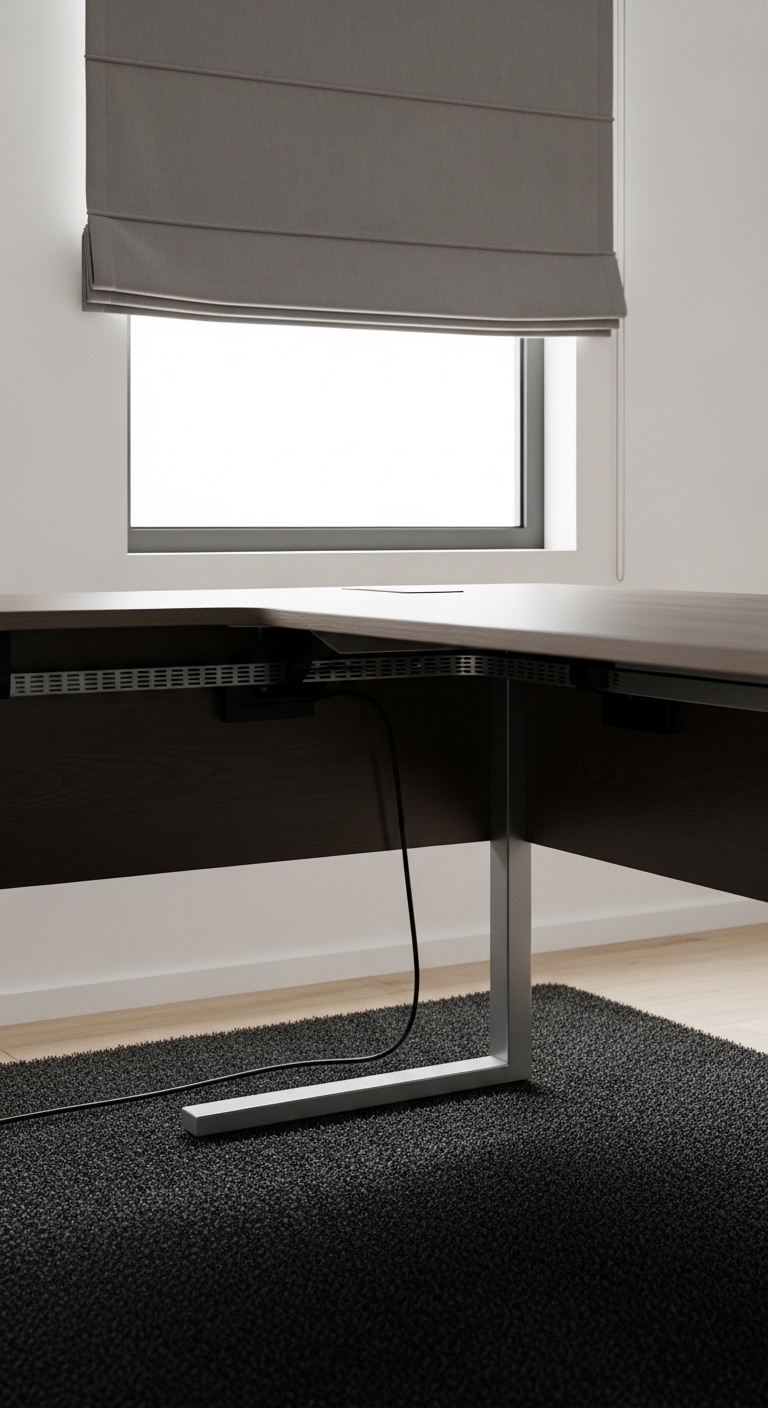
The desk is your stage. I picked a 60-inch L-shaped desk so the primary monitor sits centered and secondary screen sits at a 30–45° angle. Place the desk so the window is to the side. That prevents direct glare and keeps natural light for daytime streams.
For the rug, I chose a low-pile 5×8 in charcoal. Place it so the desk and chair sit on it. That anchors the setup and absorbs sound. Blackout curtains cut daytime glare and deepen colors from RGB lights. Hang rods 2–4 inches above the window frame to make the wall feel taller.
A mistake I made: I started with a shag rug. It clung to cable dust and made the chair stick. Low-pile works better under rolling chairs. I used the 5×8 low-pile rug and blackout curtains and the room felt intentional.
Create immersive lighting with RGB zones

Lighting makes the room feel pro. I layered three zones: bias lighting for eye comfort, LED strips under the desk and behind the monitor, and wall panels as a focal. Bias lighting in warm white reduces eye strain and keeps contrast readable. I used a bias lighting kit behind the main screen.
The Govee strip goes under the desk back edge and behind the monitor. Sync it to the game for reactive color. The Govee RGB LED strip kit connects to the Govee app for presets. For accents, arrange Govee wall panels in an asymmetrical cluster above shelves. The visual rule: layer one warm white source with two color sources so the space stays cozy and readable.
Personalize and organize: wall art, shelves, and hidden cables
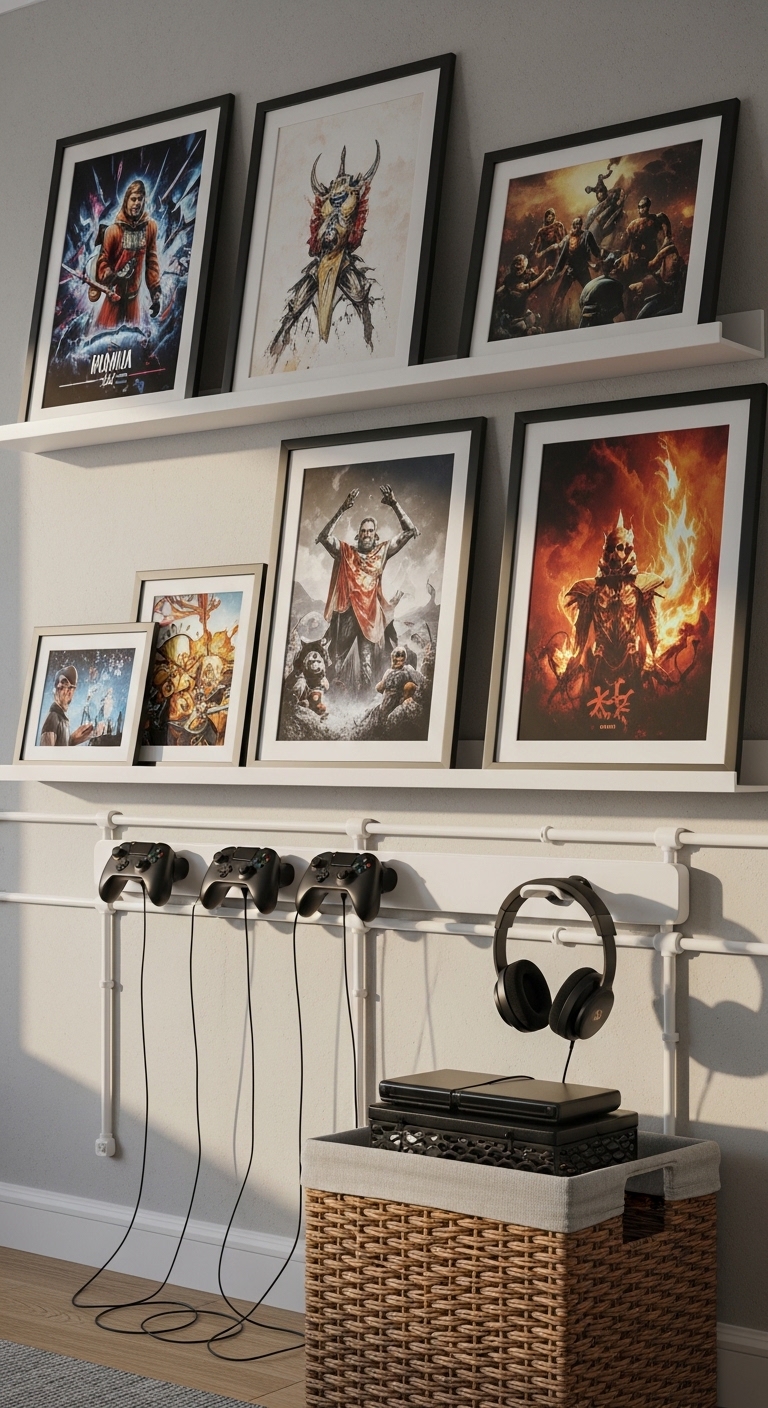
After lighting, add personality. I framed three poster prints at eye level, spaced by one head width. Shelves in white oak hold collectibles and a small lamp. Use odd numbers—three items on one shelf, five on another. I mounted a controller rack to keep controllers off the desk. The floating shelves white oak and headset stand with USB ports were game changers.
Conceal power strips and wires with a cable management raceway kit. That single change makes the entire setup read as deliberate. Keep decor within two main color families. My palette: charcoal, muted teal, and raw wood. It feels cohesive and calm.

Common Styling Mistakes to Avoid
Mistake: too many competing colors
Why it doesn't work: The eye gets pulled in every direction.
Do this instead: Stick to two primary colors and a wood tone. Swap bright throw colors for muted versions.
Mistake: visible cable tangles behind the desk
Why it doesn't work: It ages the setup and hides the tech styling.
Do this instead: Run cables through a 6ft raceway kit and use cable ties.
Mistake: putting all decor at the same height
Why it doesn't work: It looks flat and staged.
Do this instead: Use varied heights and odd numbers on shelves. Add a headset stand and a tall faux plant if you need height.
Shopping Guide: Where to Find These Items
- Budget desks: search L-shaped gaming desk 60 inch black for sturdy, affordable options under $150.
- Lighting that scales: Govee gear works well. Start with Govee RGB strip kit and add panels later.
- Sound and comfort: pick a low-pile rug 5×8 that won’t trap dust under wheels.
- Quick aesthetics: Floating shelves white oak refresh walls without paint.
I shop Amazon for most of these because I can match sizes and read reviews. For big furniture, check local pickup if you want to avoid shipping damage.
Start with one thing: I recommend starting with lighting. Add a Govee wall panel pack and see how the room changes.
What will you change first in your gaming room?