






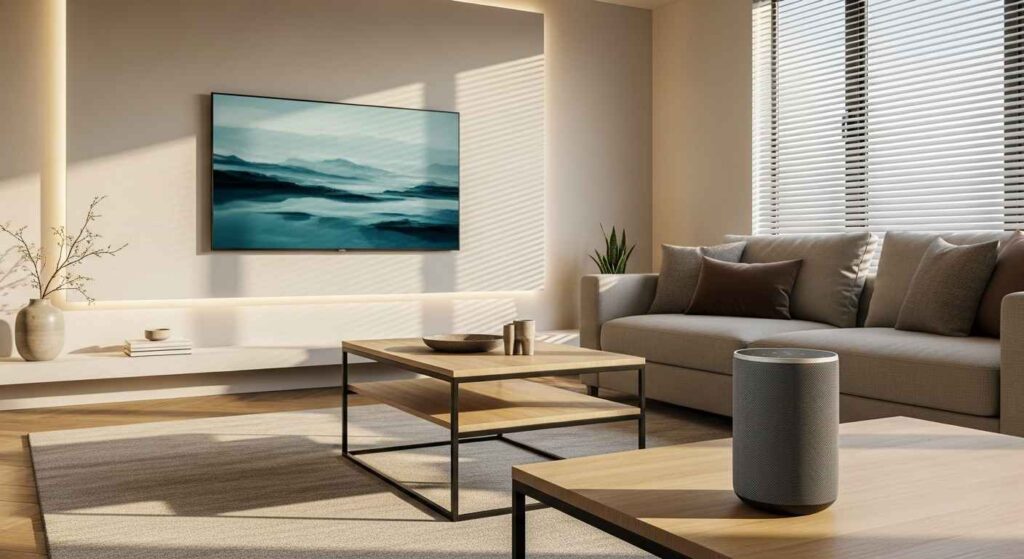

A smart living room setup makes daily life simpler and more comfortable. It connects your devices to work together. You can control lights, music, and temperature with your voice or phone. Start with one or two devices and build from there. This guide offers practical ideas for any budget.
1. The Foundational Smart Living Room Setup


Begin with a strong Wi-Fi network. This is the base for all your smart devices. Choose a few core items that fit your routine. A smart speaker and a smart plug are great starting points. They are affordable and easy to install. Start small and expand later. A DIY tip is to use your phone as a remote control for media before buying new gear.
2. Centralize with a Smart Hub


A smart hub connects different brands of devices. It lets them communicate on one system. You do not need to open multiple apps. This creates a single point of control. Look for a hub that works with the devices you own or want. A budget-friendly option is to use a smart speaker with a built-in hub. This unifies your control without extra hardware.
3. Illuminate with Smart Lighting


Smart bulbs can change color and brightness. You can set them to turn on at sunset. Use them in lamps or overhead fixtures. They help create the right atmosphere for any activity. A simple DIY tip is to replace your most-used bulb with a smart one. Set schedules for your lights to save energy and make your home feel lived-in, even when you are away.
4. Command with a Smart Speaker


A smart speaker lets you play music, get answers, and control other devices. Use your voice to adjust the thermostat or check the weather. Place it in a central spot for the best microphone reception. For a budget-friendly start, choose an entry-level model. You can control your room hands-free. This is especially helpful when your hands are full or you are relaxing.
5. Streamline Entertainment with a Smart TV


A smart TV brings all your streaming services together. You can access movies, shows, and music without extra boxes. Many models also work with voice assistants. For a cheaper upgrade, consider a streaming stick for your existing TV. This simplifies your viewing experience. Organize your apps on the home screen for quick access to your favorites.
6. Automate with Smart Plugs


Smart plugs make ordinary devices smart. Plug in a fan, lamp, or coffee maker. You can then turn them on or off from your phone. Set schedules so a lamp turns on before you get home. This is a very affordable way to begin. Automate simple tasks to save time. You can often find these plugs in multi-packs for a lower cost per device.
7. Secure Your Space with Smart Locks


A smart lock lets you lock and unlock your door from your phone. You can create temporary codes for guests or service people. No more worrying about lost keys. Some models let you use your fingerprint. For a budget-conscious option, look for a model that replaces only the interior thumb-turn. Grant access remotely for deliveries or family members.
8. Control Climate with a Smart Thermostat


A smart thermostat learns your schedule and adjusts the temperature for you. It can help lower your energy bills. Control it from your phone so the house is comfortable when you arrive. Many utility companies offer rebates on these devices. Save on energy costs by letting the system manage itself when you are asleep or away.
9. Enhance Ambiance with Smart Blinds


Smart blinds can open or close on a schedule or with a voice command. They help manage light and privacy throughout the day. You can set them to close at night and open in the morning. For a more affordable approach, consider smart blind motors that fit your existing blinds. Wake up with natural light automatically.
10. Purify Air with a Smart Air Quality Monitor


This device tracks pollutants, humidity, and temperature. It can alert you when to open a window or run an air purifier. This is great for homes with allergies or pets. Some models connect to other smart devices to take action. A budget-friendly tip is to use a simple humidity sensor paired with a smart plug and a small dehumidifier. Know your air quality at a glance.
11. Immerse Yourself with a Multi-Room Audio Setup
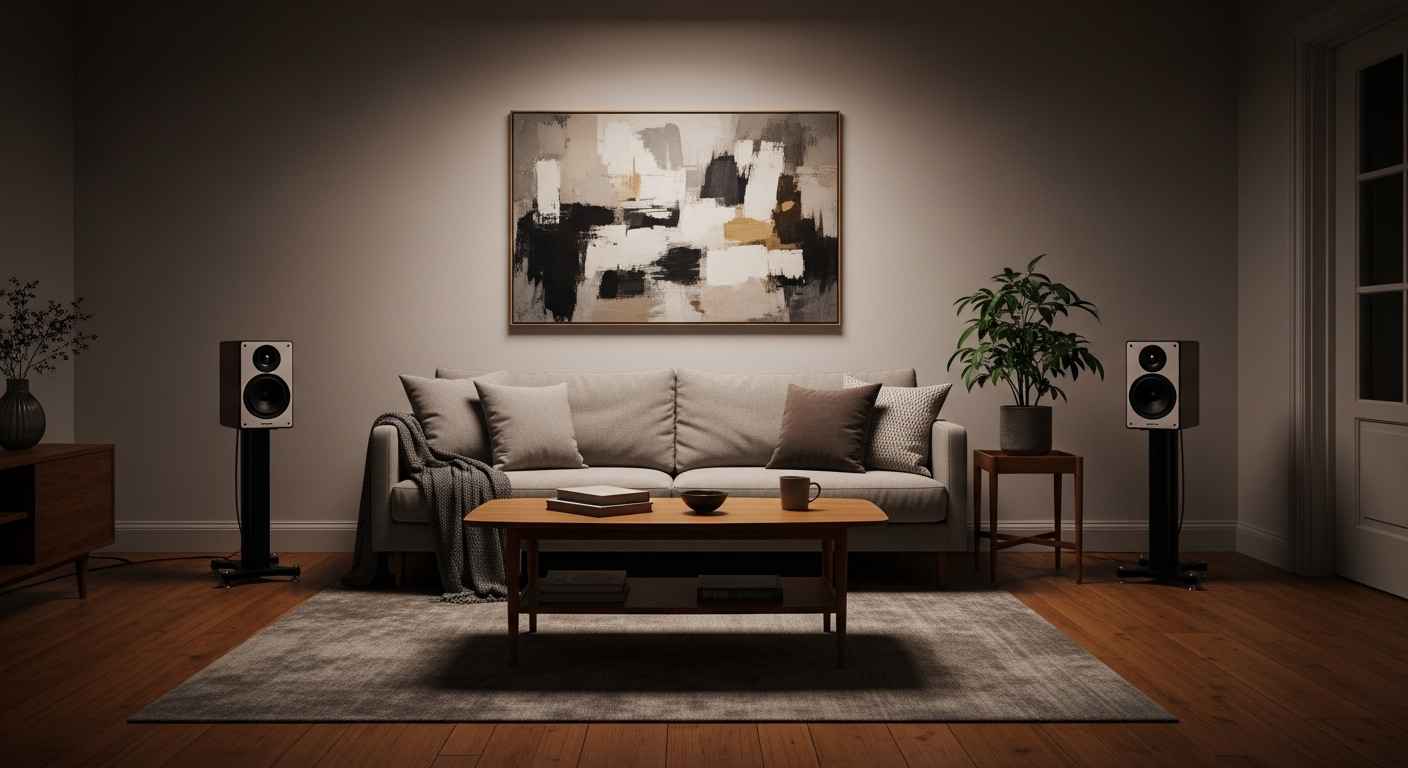

With multi-room audio, you can play the same music throughout your home. Or play different songs in different rooms. Use a group of smart speakers or dedicated audio players. A simple DIY method is to use smart speakers you already own and group them in the app. Fill your home with sound that follows you from room to room.
12. Protect with Smart Cameras


An indoor camera lets you check on your home from anywhere. You can see pets or get alerts for movement. Many have two-way audio so you can speak through them. Place one to cover the main entry point. For privacy, choose a model with a physical shutter or a setting to turn off when you are home. Keep a visual check on your space.
13. Simplify with Voice-Controlled Everything


Connect your lights, TV, and plugs to a voice assistant. You can control the room without moving. Create routines like “movie night” that dim lights and turn on the TV. Start by voice-enabling your most-used devices. Use simple voice commands to make your living space more accessible.
14. Set the Mood with Color-Changing Lights


Color-changing smart bulbs let you match your lighting to your activity. Use bright white for reading and soft colors for relaxing. You can often set colors to match the music or a movie. A budget tip is to buy a single color bulb for a main lamp instead of multiple fixtures. Change your room’s vibe instantly.
15. Unify Your Ecosystem

Stick to one or two compatible brands for your devices. This helps them work together smoothly. It reduces app clutter and setup frustration. Check compatibility before you buy new items. A good practice is to choose a primary platform like Google, Apple, or Amazon and select devices that work with it.
16. Hide Tech with Smart Furniture


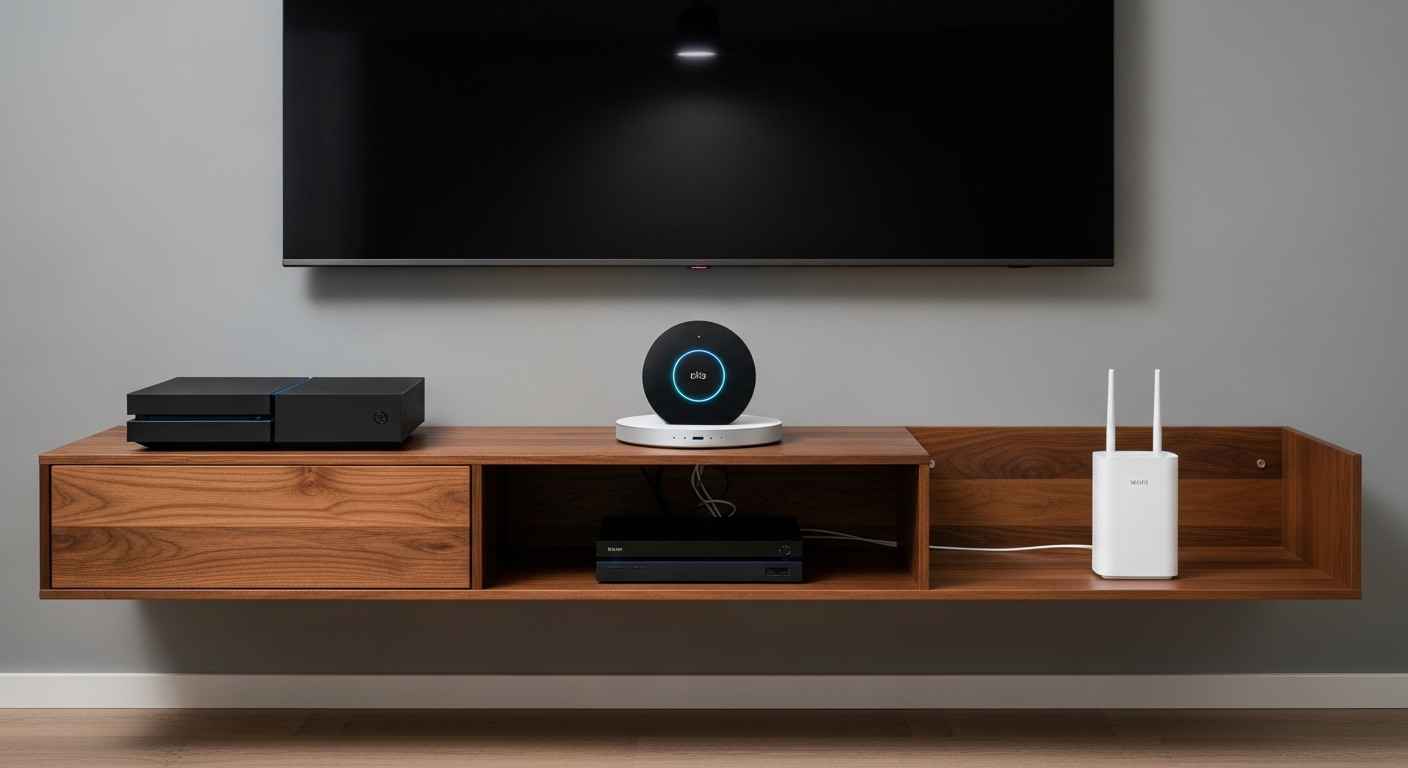
Furniture with built-in charging pads or cable management keeps things tidy. Look for tables with hidden compartments for routers or hubs. This makes your space look cleaner and reduces clutter. A DIY project is to drill a small hole in the back of a media console to route cables down and out of sight. Keep wires organized for a cleaner look.
17. Automate Your Morning Routine
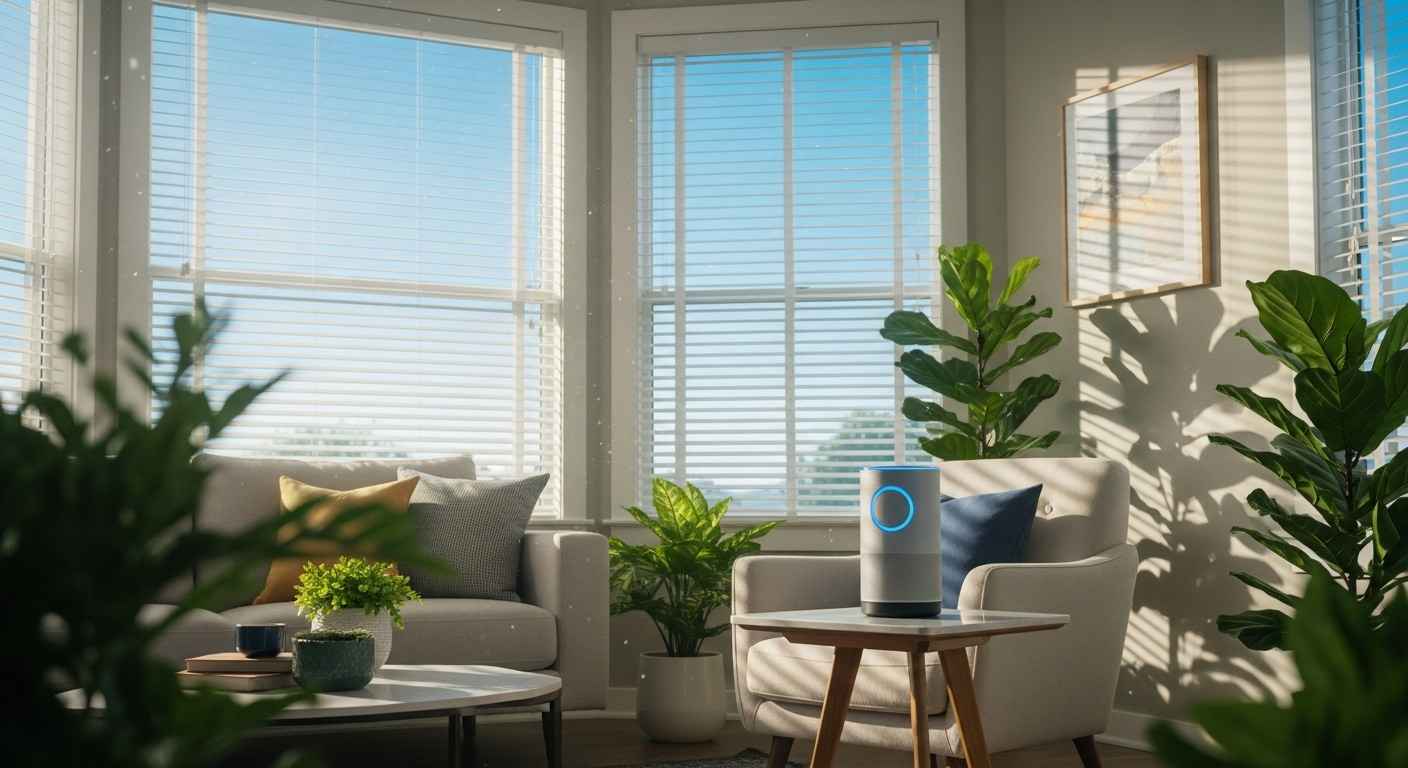

Create a routine that starts your day. A voice command can open the blinds, read the news, and start the coffee maker. This helps you begin the day smoothly and on time. Set this up using your smart speaker’s app. Start your day automatically with a custom routine.
18. Create a Smart Home Theater


Pair your smart TV with a soundbar and smart lighting. Create a scene that dims the lights and turns on the TV and sound system with one command. This makes movie night feel special. For a budget-friendly upgrade, a good soundbar makes a big difference. Transform movie nights with immersive sound and light control.
19. Integrate with Smart Sensors


Sensors can detect motion, or when a door or window opens. Use them to turn on lights when you walk into a room. Or get an alert if a window is opened while you are away. These are small, affordable devices. Add intelligence to your space with simple sensors.
20. Design a Voice-First Living Room


Place your smart speaker where it can hear you from anywhere in the room. Arrange other devices to be voice-controlled. This means you can manage the room while cooking, cleaning, or relaxing. The goal is to make voice the easiest way to interact. Make voice control your default.
21. Build Scenes for One-Touch Control
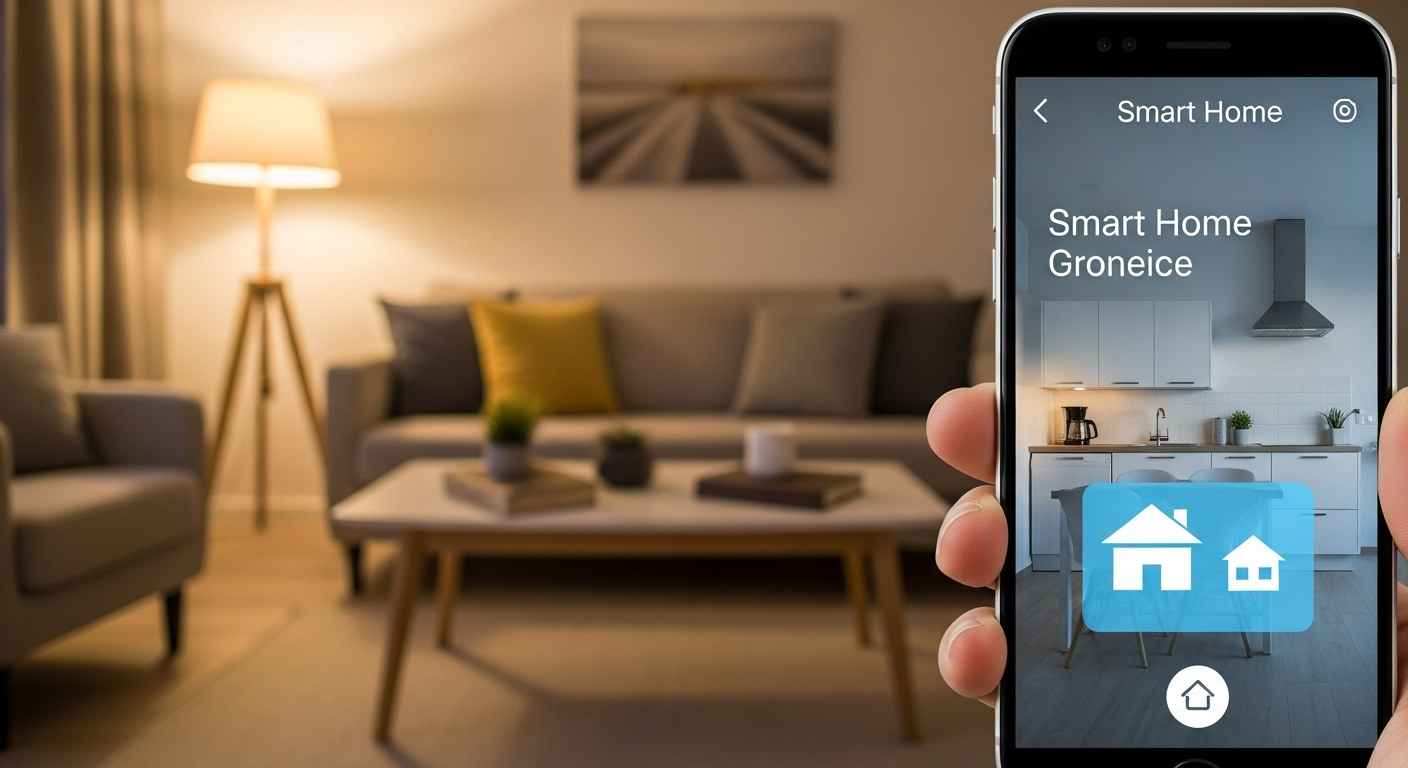

Scenes combine multiple actions into one button press. A “Good Night” scene could lock the door, turn off all lights, and set the thermostat. This saves time and makes your system feel smart. Set up a few basic scenes for your most common activities. Combine actions for simplicity.
22. Power Your Setup with a Network Boost


A strong Wi-Fi signal is important for all smart devices. If you have dead zones, a mesh Wi-Fi system can help. It uses multiple units to spread coverage evenly through your home. This prevents devices from disconnecting. Ensure a strong connection everywhere.
23. Personalize with AI Assistants


Teach your AI assistant your preferences. It can learn your favorite music, your commute time, and your shopping list. The more you use it, the more helpful it becomes. Use a smart display to see visual answers and video calls. Make your assistant work for you.
24. Future-Proof with Upgradeable Tech


Choose devices that receive regular software updates. This keeps them secure and adds new features over time. Look for brands with a history of supporting their products. This approach means your setup stays useful for longer. Invest in lasting technology.
25. Go Green with Energy Monitoring


Some smart plugs can track how much energy a device uses. This helps you find energy-hungry appliances. You can then decide to use them less or replace them. This is a simple way to be more aware of your consumption. Monitor your energy use easily.
26. Master Your Smart Living Room Setup


Take time to learn all the features of your devices. Experiment with different routines and scenes. The goal is a system that feels natural and helps you. Small adjustments can make a big difference in how you use the space. Fine-tune your system over time.
Begin with one change that solves a small daily hassle. Maybe a smart plug for a lamp or a morning news routine. Small steps build confidence. Your living room will become more comfortable and responsive with each addition.